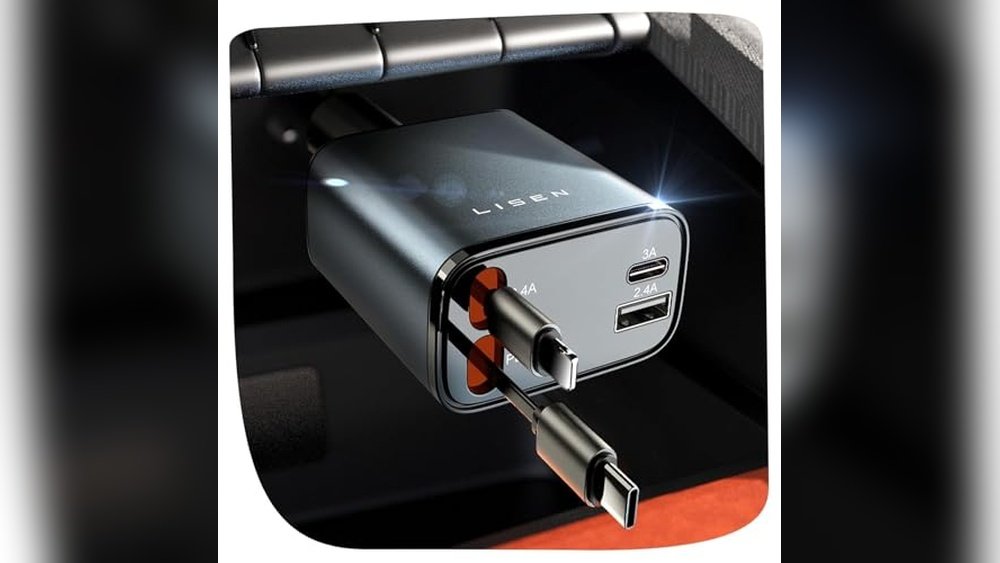
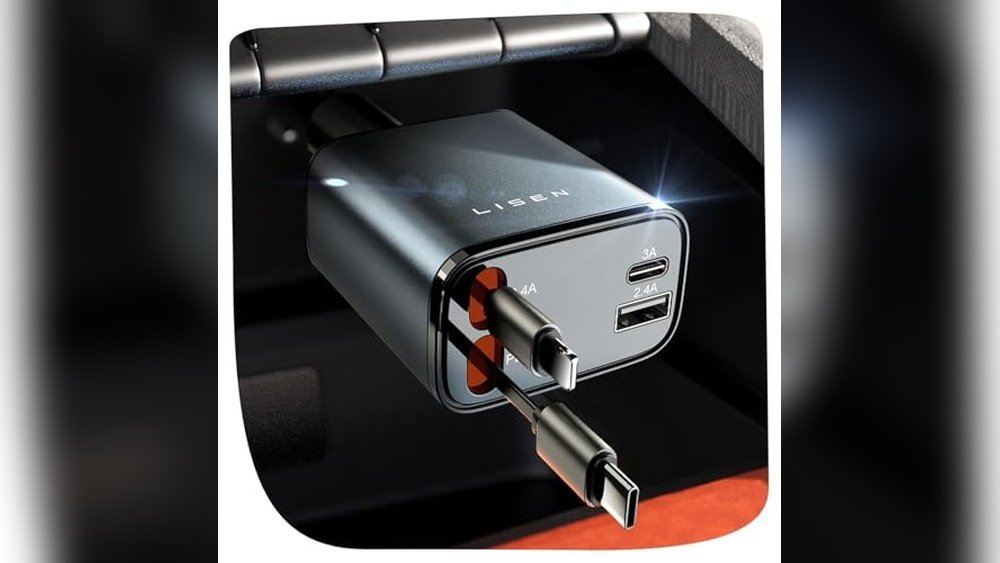
CarPlay dongles and dash cam kits are the two upgrades that fix older cars without a new head unit. The best wireless CarPlay adapters and dash cam combos in 2026 let you stream maps and record crashes with no cables. They plug into existing USB ports or replace small parts of your dashboard, keeping your factory look intact while adding modern safety features.
Wireless CarPlay and Dash Cam Adapter Comparison
Here is how the main options stack up for older vehicles with basic infotainment systems.
| Item | Best For | Real Example |
|---|---|---|
| Carlinkit TBox | Wired-to-wireless conversion | Plug into center console USB port |
| MagicBox Ultra | Low-latency video streaming | Connect to factory screen via HDMI |
| Viofo A229 Duo Kit | Front and rear recording | Mount on windshield and rear glass |
| BlackVue DR770X | Cloud connectivity and parking mode | Hardwire fuse box installation |
| Garmin Dash Cam Live | LTE live view | SIM card enabled cellular model |
Carlinkit TBox adapter details
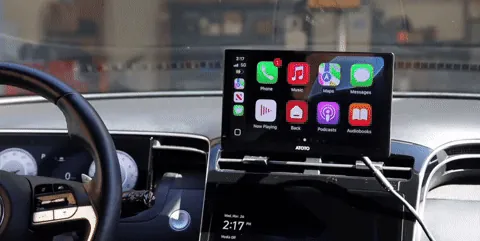
This device turns your wired CarPlay connection into a wireless one instantly. It suits drivers who hate plugging in phones daily but keep their factory screens.
- Plug-and-play setup: No app needed after initial pairing; it remembers your phone automatically.
- Low latency: Maps update quickly enough for safe navigation at highway speeds.
- Universal fit: Works with most 2015-2020 models that have built-in wired CarPlay.
For example, you plug it into your center console USB port, pair once via Bluetooth, and your iPhone connects wirelessly every time you start the engine. Check your car’s manual to confirm if your specific trim level supports wired CarPlay before buying.
MagicBox Ultra for video stability
Unlike simple dongles, this box handles both audio and high-definition video streams separately. It’s better for cars where the factory screen flickers with basic adapters.
- Stable frame rate: Keeps navigation smooth even when moving through tunnels or dead zones.
- Audio priority: Prevents music cuts during incoming calls by managing bandwidth carefully.
- Compact size: Hides completely inside the glove box or under the seat trim.
You connect it via the existing USB cable behind the radio fascia. If your car has an aftermarket stereo, verify the protocol version matches Box’s firmware requirements on the manufacturer’s official support page.
Viofo A229 Duo camera kit
This dual-channel system records front and rear simultaneously using two separate lenses. It protects you from hit-and-run claims when parked or driving.
- High dynamic range: Captures license plates clearly in bright sunlight or dark rain.
- Parking surveillance: Uses motion detection to save clips if someone bumps your bumper.
- Hardwire kit included: Draws power from the fuse box so the battery doesn’t drain overnight.
Install the front lens above the rearview mirror and run the cable along the headliner. Rear cameras must follow local laws regarding visibility obstruction; check NHTSA regulations for state-specific rules on windshield mounting positions.
BlackVue DR770X cloud features
This model adds LTE connectivity, letting you view live footage remotely via smartphone. It’s ideal for fleet managers or people worried about theft.
- Remote access: See what’s happening around your car from anywhere with cell service.
- Alert notifications: Push messages arrive if impact sensors trigger during parking mode.
- Loop recording: Overwrites old files automatically so you never run out of storage space.
The limit here is data usage; continuous streaming consumes significant mobile bandwidth. You need a dedicated SIM plan or hotspot capability. Without active internet, it functions as a standard offline recorder only.
Common mistakes with dash cams
Many users forget to format SD cards monthly, causing write errors. Corrupted files mean no evidence when you actually need it. Always use high-endurance cards rated for constant rewriting, not standard photo cards.
Another error is placing the lens too low, blocking road signs. Position it centered near the top edge of the windshield. Also, ensure the angle captures both lanes fully; tilted views miss adjacent traffic incidents. Regular checks prevent these silent failures.
Other useful upgrade options
- Garmin Dash Cam Live: Uses cellular networks for real-time alerts; requires a subscription fee for full remote viewing capabilities.
- Nextbase 622GW: Offers emergency SOS calling directly through the camera unit; great for solo drivers in rural areas.
- OBD-II trackers: Monitor battery health and location history; useful if you want telemetry alongside video evidence.
These alternatives serve different needs than basic recorders. Choose based on whether you prioritize live monitoring or passive recording simplicity.
Choosing wireless CarPlay adapters and dash cam upgrades for older cars
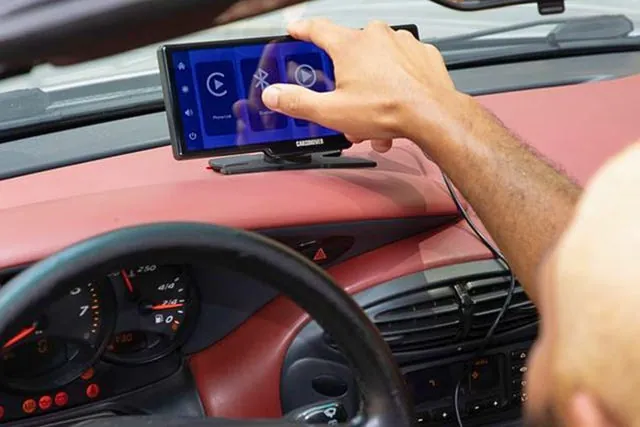
Decide first if your current screen supports wired CarPlay natively. If yes, a simple adapter like Carlinkit works fine. If your car lacks Apple CarPlay entirely, you need a full head-unit replacement or Android Auto solution instead.
Consider how much time you spend commuting. Long drives justify premium dash cams with higher resolution and parking modes. Short city trips may only need basic front recording. Can you combine them? Yes, install both devices independently since they draw power from different sources usually.
Frequently asked questions
Do wireless adapters drain my car battery?
No, they draw minimal power from the USB port while the engine runs. When off, they disconnect automatically unless left plugged into always-on ports. Check your owner’s manual for fused circuits.
Is it safe to mount a dash cam on the windshield?
Yes, if placed outside the driver’s clear vision zone. Most states allow mounting within a small corner area. Verify local DMV rules to avoid fines for obstructed views during inspections.
How long do dash cam batteries last in parking mode?
Typically 24-48 hours depending on sensitivity settings and ambient temperature. Cold weather reduces capacity significantly. Use hardwiring kits connected to the fuse box for longer protection periods.
Does CarPlay work without an iPhone nearby?
No, the adapter mirrors your phone’s interface. Your iPhone must be within Bluetooth range (about 30 feet) and unlocked for authentication to complete successfully each session.
What happens if my SD card fails suddenly?
Recording stops immediately until replaced. Some models beep to warn you. Regular formatting prevents corruption issues that cause silent failures during critical accident moments.
Can I watch dash cam footage on my car screen?
Not directly through standard CarPlay interfaces. You’ll need an app viewer or remove the card to play files on a computer or phone separately for review.
Start with one step today
Begin by testing your existing USB port for wired CarPlay compatibility. If it pairs easily, buy a single adapter first to confirm wireless stability. Stop and seek professional help if your vehicle’s electrical system shows unusual voltage drops during installation attempts.